Automatically Renaming Video Files For Plex
Rename Title Script
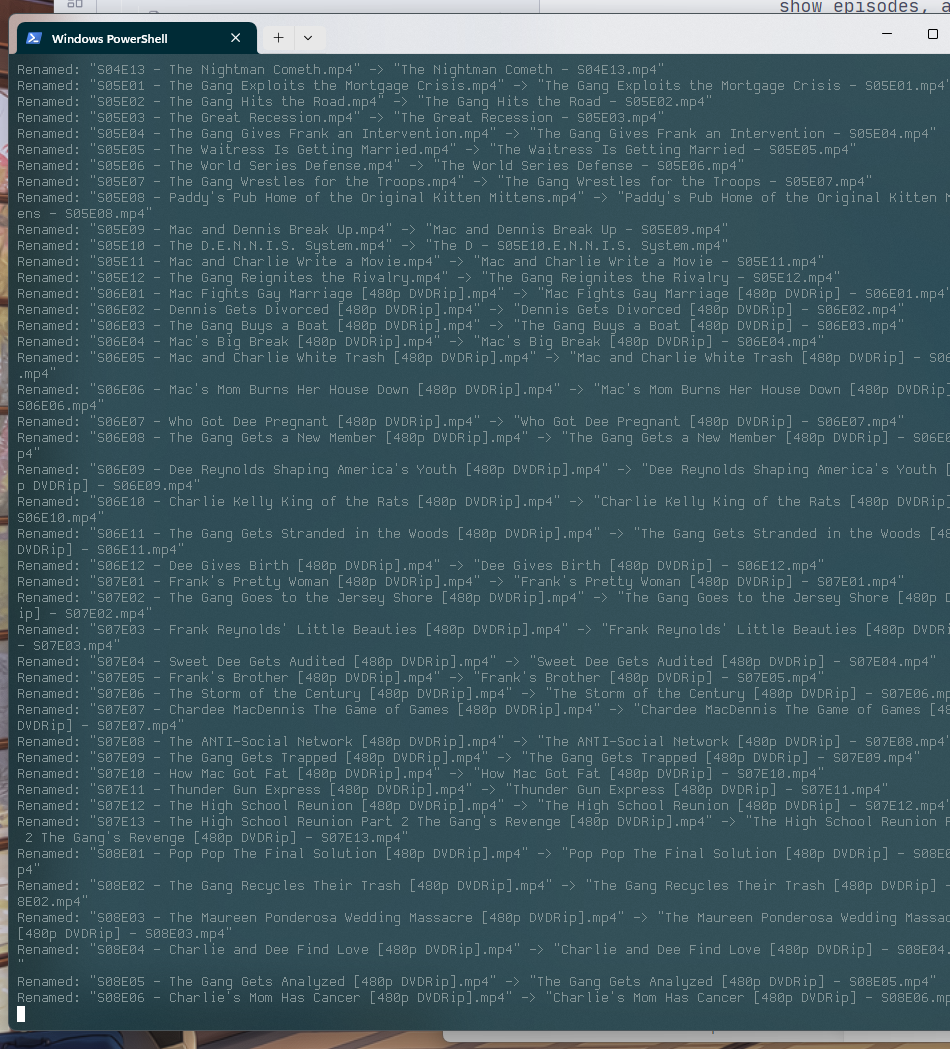
The idea with this is to take an existing folder with subfolders of TV show episodes, and reformat them as such:
S04E13 - The Nightman Cometh.mp4 -> The Nightman Cometh - S04E13.mp4
This is so Plex knows how to organize the episodes into a parent show.
import os
import re

def rename_files_in_directory(root_dir):
    pattern = re.compile(r'^(S\d{2}E\d{2}) - (.+?)(\..+)$')

    for foldername, subfolders, filenames in os.walk(root_dir):
        for filename in filenames:
            match = pattern.match(filename)
            if match:
                season_episode, title, extension = match.groups()
                new_filename = f"{title} - {season_episode}{extension}"
                old_path = os.path.join(foldername, filename)
                new_path = os.path.join(foldername, new_filename)

                try:
                    os.rename(old_path, new_path)
                    print(f'Renamed: "{filename}" -> "{new_filename}"')
                except Exception as e:
                    print(f'Error renaming "{filename}": {e}')

if __name__ == "__main__":
    folder_path = input("Enter the folder path: ")
    rename_files_in_directory(folder_path)