Custom Fonts With Obsidian Publish
Published 11/05/2025
Loading Custom Fonts Via CSS
I recently changed up the font being used on this website to one by the folks at iA.Net. They make some cool software, my personal favorite of theirs being iA Writer (see On Writing Environments for more info about that).
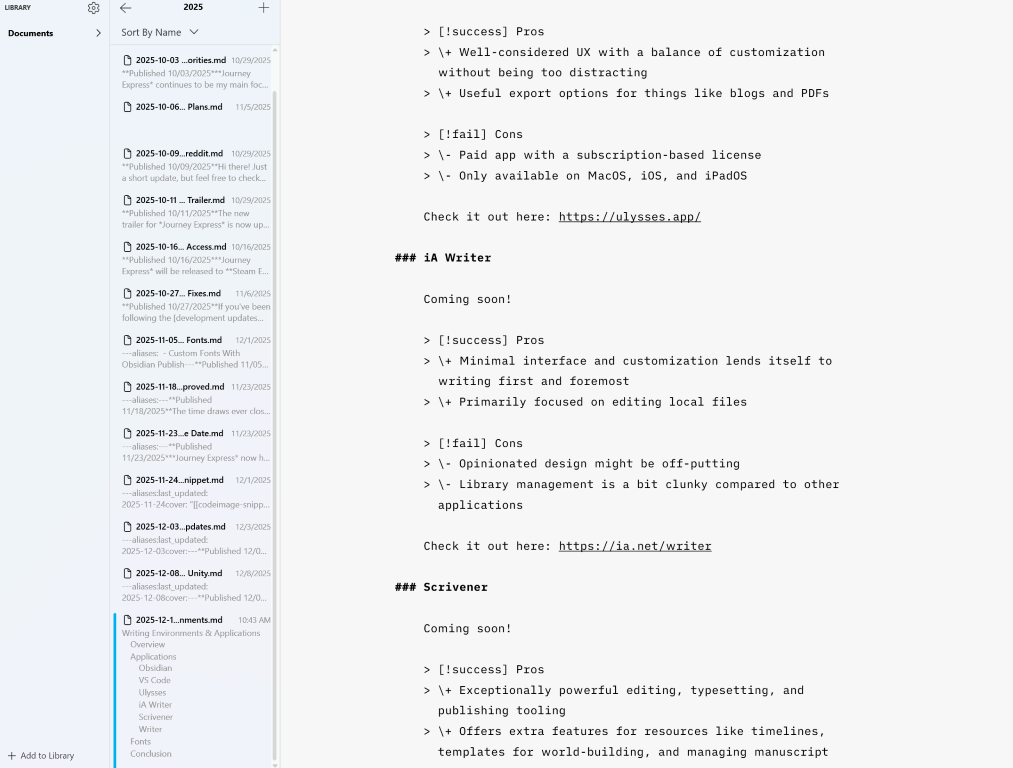
Over time they’ve released a handful of fonts that I like quite a bit, and I was interested in using them in this context. However, since the font files don’t appear to be hosted somewhere like Google Fonts, I came across some workarounds that others have found where you effectively embed the font file content into your publish.css file.
To do this, you can upload a few different formats of font files to this web tool: https://hellogreg.github.io/woff2base/. That will take in the font file, then spit a base64 string back out, and it’s even formatted in a way that lets you drop it into a CSS file directly. It will look something like this, only the src will be significantly longer:
/*
Define the various font faces
e.g.: regular, italic, bold, and bold italic
*/
@font-face {
  font-family: "iA Writer Duo S";
  font-style: normal;
  src: url(data:application/octet-stream;base64,d09G...OgE=);
}

/*
In the body, we can assign the font family to
variables that are used by Obsidian
*/
body {
  --font-family: 'iA Writer Duo S', sans-serif;
  --font-text-theme: 'iA Writer Duo S', sans-serif;
  --font-text: 'iA Writer Duo S', sans-serif;
  ...
}
As you can see, there are a few extra steps, but it’s not too hard to make it all work. Special thanks to Greg Gibson at https://hellogreg.org/, who made that excellent font converter tool!
Font Test Section
Regular:
“The quick brown fox jumps over the lazy dog”
Italic:
“The quick brown fox jumps over the lazy dog”
Bold:
“The quick brown fox jumps over the lazy dog”
Bold Italic:
“The quick brown fox jumps over the lazy dog”
H1 Heading
H2 Heading
H3 Heading
H4 Heading
H5 Heading
H6 Heading
Normal text.
Journey Express Status Update
Work continues steadily on Journey Express! See this Steam update post for more details, or take a look at the roadmap!
Thanks for reading!
— C